DeWalt DCD791 Brushless Motor Failure: Causes and Fixes
The DeWalt DCD791 is a compact 18V brushless drill/driver renowned for its power-to-weight ratio and durability on jobsites across the UK. However, even the most reliable tools can experience motor-related issues, such as stalling, abnormal noise, or complete failure. This article explores the common causes of brushless motor failure in the DCD791 and provides actionable fixes to get your drill back to peak performance.
Why Does My DeWalt DCD791 Motor Stall Under Load?
One of the most frequent complaints from users is that the DCD791 motor stops abruptly when drilling into hard materials like masonry or when driving large screws into timber. This stalling can stem from several factors. First, the electronic clutch might be set too low, causing the motor to disengage before it reaches full torque. However, if the clutch is set high, the issue often lies in battery voltage sag. When a 18V battery pack is nearly depleted or has aged, its internal resistance increases, leading to a voltage drop under heavy load. The motor controller interprets this as a fault and shuts down to protect the cells.
A less common but serious cause is a seized motor bearing. The DCD791 uses sealed ball bearings in the rotor and output shaft. Over time, dust and debris can ingressed, causing the bearing to grind or lock. To diagnose, remove the battery and turn the chuck by hand; if it feels rough or has play, the bearing likely requires replacement. Another culprit is a broken magnet in the rotor. Brushless motors rely on permanent magnets, and if one cracks due to impact or thermal stress, the motor will lose synchronous torque and stall. This typically requires a complete motor replacement.
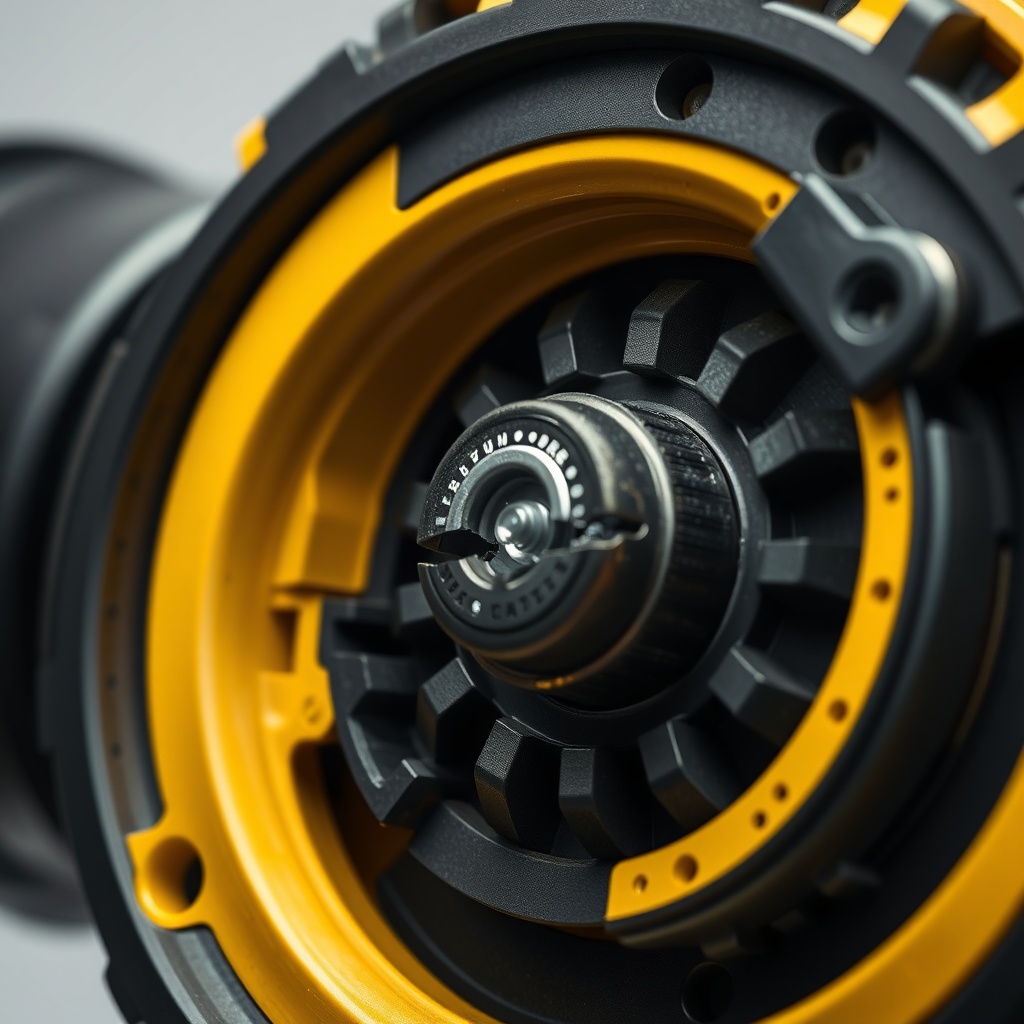
Finally, check the speed selector switch. If it’s partially engaged between low and high gear, the motor controller may not receive a clear signal, leading to intermittent stalling. Ensure the switch clicks firmly into position. A quick test is to apply moderate load at low speed; if it stalls only in high gear, the issue is likely the switch or a transmission problem inside the gearbox.
How to Fix a DCD791 Motor That Won’t Start
If your DCD791 refuses to spin at all, begin with the simplest checks. Remove the battery and inspect the terminals on both the tool and battery for corrosion or bent pins. Clean with contact cleaner if needed. Next, test the trigger switch by pressing it while listening for a click. If you hear nothing, the switch might have failed internally—a common issue after years of heavy use. Replacement trigger switches cost around £12–£18 and are straightforward to swap with a T-10 Torx screwdriver.
Another frequent cause is a blown thermal fuse on the main control board. This fuse protects the motor controller from overcurrent and often blows due to prolonged stalling or a shorted motor winding. You can check continuity across the fuse (labelled TF1 on the PCB) using a multimeter. If it’s open, replace it with a 10A 250V NTC thermistor or a standard fuse of the same rating. However, if the motor winding is shorted (measure resistance between any two motor wires—should be 0.5–2 ohms for a healthy unit), the motor itself needs replacement.
If the motor spins briefly when the battery is first connected but then stops, the problem is likely a faulty Hall effect sensor in the motor. These sensors tell the controller the rotor position. Replacement sensors are available as a kit for about £8, but you’ll need steady hands with a soldering iron. For most users, swapping the complete motor assembly, which costs roughly £35–£50, is more practical.
Can Overheating Damage the DCD791 Brushless Motor?
Yes, overheating is a primary cause of premature brushless motor failure in the DCD791. While the tool has thermal protection, repeated cycles of high-temperature operation degrade the motor’s insulation and weaken the magnets. Working in hot ambient conditions or continuous use on heavy loads (e.g., drilling 13mm holes in steel) can push the motor beyond its safe operating temperature of 80°C. When the tool cuts out due to heat, it’s a warning sign—see our full guide on DeWalt DCD791 Overheating: Causes and Fixes for deep diagnostics.
A less obvious cause of overheating is a blocked air intake. The DCD791 has vents at the rear and sides. If they’re clogged with concrete dust or wood shavings, airflow is restricted, trapping heat inside. Clean the vents with compressed air after every heavy-use day. Additionally, using a non-OEM battery with mismatched voltage or amperage can cause the motor controller to draw excessive current, leading to thermal runaway. Stick to genuine 18V XR batteries for best results.
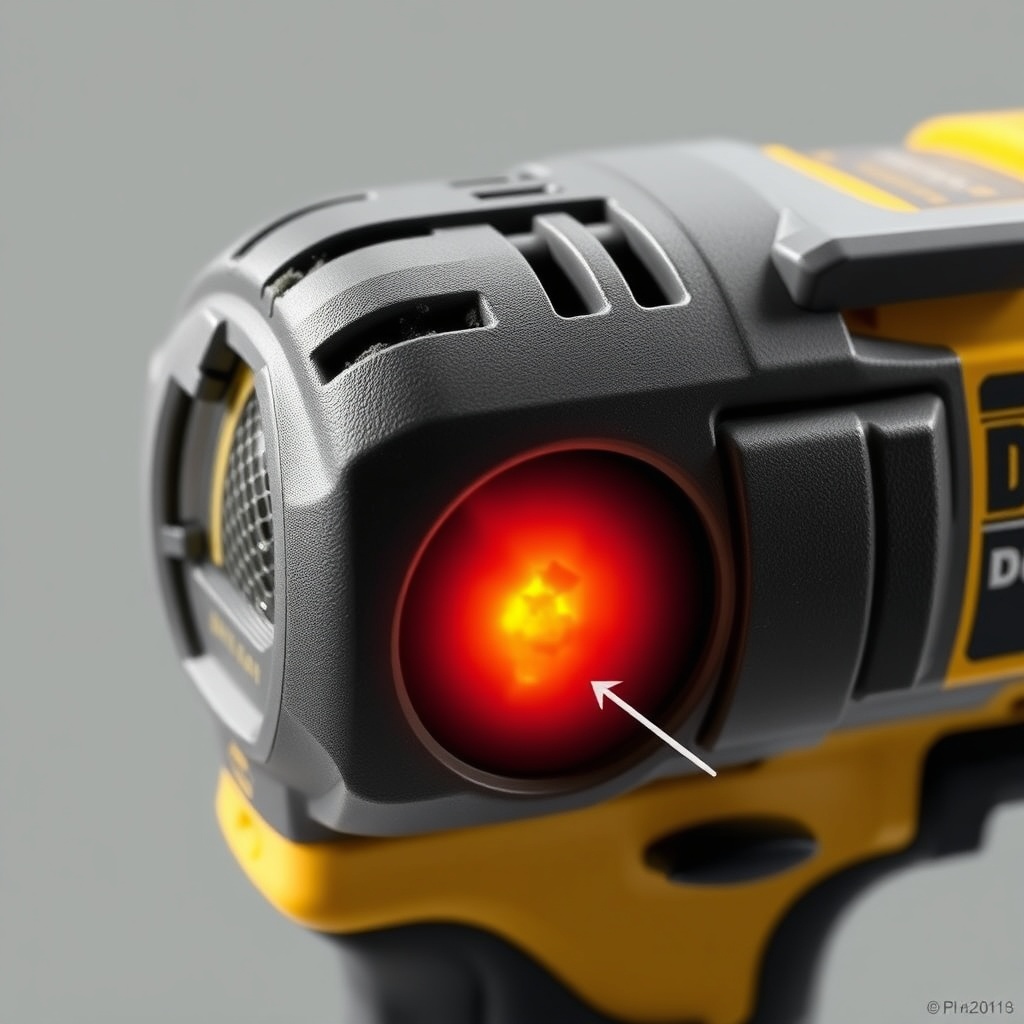
If the motor has already been damaged by overheating, you may notice a burning smell or reduced torque even when cool. In this case, the windings insulation might be compromised. A motor resistance test per phase (U-V, V-W, W-U) should show balanced readings within 10% of each other. If one phase is open or significantly lower, the motor is toast. Replacement is the only fix, but you can prolong life by using the tool at lower speeds during heavy tasks and letting it cool for 10 minutes after every 20 minutes of continuous drilling.
| Component | Failure Symptom | Severity Level | Repair Cost (GBP) | DIY Difficulty |
|---|---|---|---|---|
| Motor Bearing | Grinding noise, shaft play | High | £10–£20 | Medium |
| Hall Sensor | Motor starts then stops, erratic running | Medium | £8–£15 | High |
| Trigger Switch | No response, intermittent operation | High | £12–£18 | Low |
| Thermal Fuse | Sudden shutdown, not restarting | Medium | £2–£5 | Low |
| Motor Winding | Burning smell, low torque, no spin | Critical | £35–£50 | High |
What Are the Signs of a Failing Motor Controller Board?
The motor controller board (also called the variable speed PCB) on the DCD791 is a smart component that regulates power delivery. When it fails, symptoms include erratic speed, inability to maintain constant RPM, or a full no-start condition. Sometimes the tool will vibrate or hum without turning, indicating the controller is trying to drive the motor but failing. Another telltale is LEDs on the battery flashing when the trigger is pulled—this often means the controller is drawing too much current from the battery.
A visual inspection of the board may reveal burnt spots, cracked solder joints, or swollen capacitors. Capacitor failure is common after years of heat cycling. A 470µF 35V electrolytic capacitor can be replaced for pennies, but the board is loaded with surface-mount components that are tricky to rework. If the board is completely dead, a direct replacement from DeWalt service centres costs around £45–£60. You can also check for loose wire connections to the motor—especially the three thick phase wires—which can vibrate loose over time.
Testing the board requires a multimeter. With battery disconnected, measure resistance between the trigger input pins; you should see a change when the trigger is pressed. Also check the Hall sensor signals (typically 5V supply and data lines) while manually spinning the motor. No signal indicates a failed sensor or board trace. For safety, never bypass the board or hardwire the motor—modern brushless systems rely on precise timing and cannot run without a controller.
How to Replace the Chuck on a DCD791 with Motor Noise Issues
Sometimes what sounds like a motor problem is actually a worn chuck. If you hear a metallic chatter or wobble when drilling, the chuck may be loose or its jaws misaligned. This can create vibrations that the motor controller interprets as load, causing speed fluctuations. Replacing the chuck is a common repair that isolates the drive system from the motor. Refer to our step-by-step guide on How to Replace the Chuck on a DeWalt DCD791 Drill for complete instructions, including the correct 1/4-inch hex adapter and chuck removal tool (usually a T-30 Torx bit).
After chuck replacement, test the motor by running it at no load. If the noise disappears, the motor is fine. If the noise persists, the issue is likely a worn bearing in the gearbox or motor itself. A rough bearing can often be felt by turning the chuck by hand—it will feel gritty. Also check the gearbox for missing teeth; a stripped gear produces a clicking sound under load. Gearbox replacement is complex and may cost £30–£60 for the assembly plus labour.
In rare cases, a misaligned chuck can cause the motor to bind due to side loading on the spindle. This is more common if the previous user dropped the tool. Ensure the chuck is mounted squarely and the spindle bore is clean before tightening. A simple fix for minor misalignment is to loosen the chuck, run the drill at low speed for 10 seconds without a bit, then retighten—this can self-centre the assembly.
What Owners Say About DCD791 Motor Reliability
User forums, Amazon UK reviews, and tradesmen sites paint a mixed picture. Many buyers praise the DCD791 for its compact size and power, with some reporting over three years of daily use without motor issues. However, a vocal minority experiences failure within the first year. Common themes include motor stalling during high-torque applications like mixing plaster or using hole saws, and sudden shutdowns that some attribute to thermal protection triggers. One Electrician from Manchester posted: “Motor died after 14 months—smoke came out. DeWalt replaced it under warranty, but I’ve lost trust.”
On the positive side, many note that regular cleaning and using DeWalt DCD791 Battery Compatibility: Which Batteries Work? correctly—specifically avoiding 18V NiCad or third-party packs—extends motor life. Another UK builder reported: “I’ve dropped mine onto concrete three times, but it still runs like new after two years.” The consensus is that genuine batteries and proper airflow are crucial. Some owners have successfully replaced the motor themselves with aftermarket units from reliable suppliers, praising the availability of parts and online tutorials. Overall, the DCD791 is considered a solid tool when maintained, but the brushless motor is not immune to wear, especially under heavy professional use.
Frequently Asked Questions
1. Can I rebuild the brushless motor in the DCD791 myself?
Yes, but it requires disassembly of the motor housing, which involves removing three or four screws, desoldering the windings, and pressing out the rotor. Replacement bearings and sensors are sold online. For most users, buying a complete motor assembly (around £40) is easier and safer.
2. Does the DCD791 motor have brushes?
No, the DCD791 features a brushless motor, meaning there are no carbon brushes to replace. This reduces maintenance and increases efficiency, but the electronic controller is more complex.
3. Why does my DCD791 vibrate excessively when drilling concrete?
Excessive vibration can come from a worn clutch spring, loose chuck, or motor imbalance. Check the chuck first, and if the vibration persists, test the motor at no load—if it smooths out, the issue is the bit or material, not the motor.
4. How do I reset the thermal overload on the DCD791?
There is no manual reset. Simply release the trigger and let the tool cool for 15–20 minutes. The controller will automatically allow operation once the temperature drops below 60°C. If it trips again quickly, you have an underlying heat issue.
5. Can a faulty battery damage the DCD791 motor?
Absolutely. A battery that delivers inconsistent voltage or has shallow current capacity can cause the motor controller to overwork, leading to overheating and eventual failure. Always use genuine 18V XR or newer PowerStack packs.
6. Where can I find the official DeWalt service manual for the DCD791?
DeWalt does not release public service manuals for consumer tools, but many independent technicians share diagrams. For official repair help, contact DeWalt UK support at 0344 736 0103 or visit a local authorised service centre.