Why Does My DeWalt DCD791 Overheating During Normal Use?
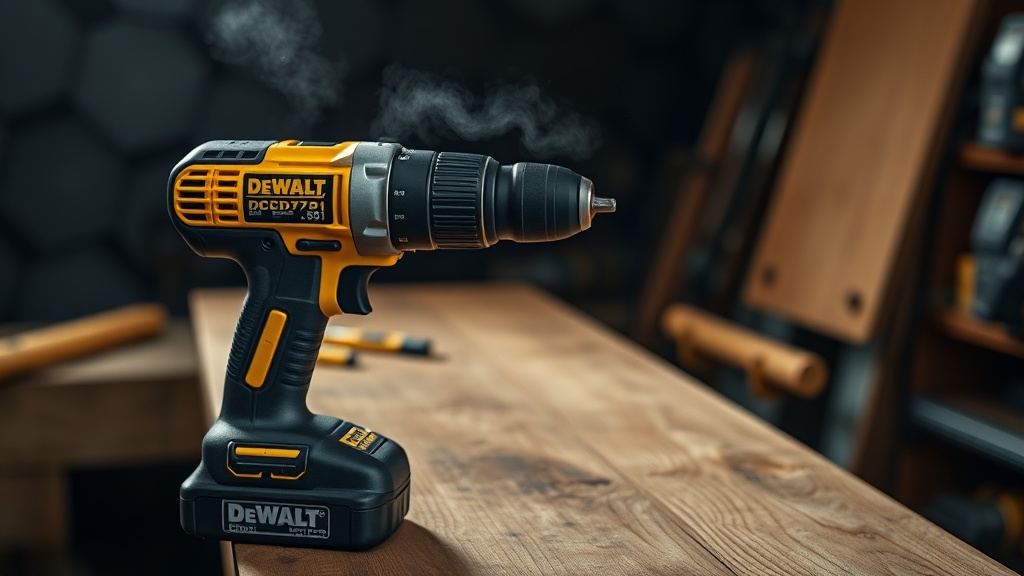
The DeWalt DCD791 is a compact brushless drill/driver known for its power-to-size ratio, but overheating can occur even during routine tasks. When the tool gets uncomfortably hot—typically above 140°F (60°C) at the motor housing—it signals a problem that, if ignored, can lead to permanent damage. The most common causes include excessive load, poor ventilation, or internal electrical resistance.
First, evaluate the application. If you’re drilling large-diameter holes in hardwood or driving long screws without pre-drilling, the motor is working harder than designed. This generates heat faster than the cooling fan can dissipate. Always match the bit size and material to the drill’s specifications (max 1/2-inch chuck capacity and 1,500–2,000 RPM). If the tool is used intermittently—such as driving 100 screws in softwood—and it still overheats, the issue shifts to potential mechanical or electrical faults.
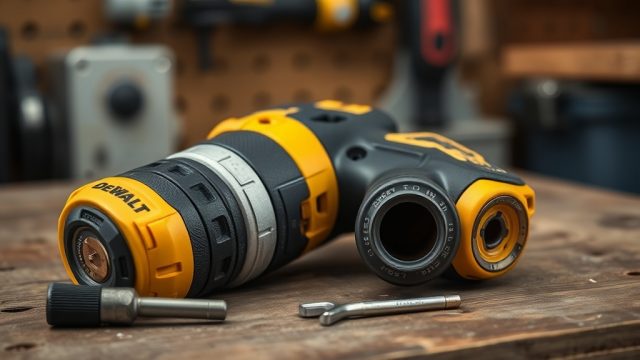
Check the air intake vents on the housing. Clogged vents from sawdust or debris dramatically reduce airflow, trapping heat inside. Clean these with compressed air or a soft brush. Also, inspect the chuck for binding: a stuck or misaligned chuck can create friction that transfers heat to the gearbox. For chuck issues, consult our guide on How to Replace the Chuck on a DeWalt DCD791 Drill, as a faulty chuck is a common heat source.
What Are the Signs of a Failing Motor or Brushes in the DCD791?
Although the DCD791 is brushless, which eliminates brush wear, overheating can still indicate a failing motor. Look for audible changes: a high-pitched whine, grinding noise, or inconsistent RPM under load. When the motor gets hot, the windings’ insulation can degrade, leading to short circuits. This often manifests as smell of burning varnish or sudden power drops.
To test the motor, remove the battery and use a multimeter to check resistance across the terminals. For a healthy brushless motor, the resistance should be uniform between all three phases (typically 0.5–1.5 ohms). If you read infinite resistance or a short (0 ohms), the motor is damaged. Replace the entire motor assembly; do not attempt to repair individual windings on a brushless design. If the motor stalls under light load, the electronic control board may be overheating—a separate issue requiring board replacement.
Also, check for thermal cutoff cycling. The DCD791 has a thermal protection circuit that shuts the tool off when overheated. If it cycles on and off every few seconds during heavy use, the motor is overheating rapidly. In this case, let the drill cool for 30 minutes. If it continues, the motor likely needs replacement. Always source DeWalt OEM parts to maintain balance and performance.
Can Battery or Charger Problems Cause the DCD791 to Overheat?
| Component | Overheat Symptom | Severity | Common Fix |
|---|---|---|---|
| Battery (20V MAX) | Hot battery casing, reduced runtime, tool cuts out | High – risk of cell damage | Use correct voltage, cool down, check for physical damage |
| Charger | Charger hot to touch, LED flashing error code | Medium – can damage battery | Replace faulty charger, clean contacts |
| Battery Contacts | Arcing marks, high resistance, tool runs weak | Low to Medium | Clean with contact cleaner, replace if worn |
| Incompatible Battery | Rapid overheating, tool malfunctions | High – void warranty | Use genuine DeWalt 20V MAX batteries only |
The DeWalt DCD791 is designed for 20V MAX (18V nominal) batteries. Using a higher voltage or counterfeit pack stresses the electronics and motor. Insert the battery: if it feels hot to the touch after 10 minutes of use, the battery’s internal resistance is too high. A healthy Li‑ion cell should not exceed 120°F (49°C). If it does, the battery may need replacement.
Check the charger. A faulty charger can overcharge or pulse incorrectly, transferring heat to the tool when connected. Look for unusual LED patterns: for example, a steady red flashing light often means a temperature fault. Never leave the battery on the charger for more than 2 hours after full charge. Also, inspect the battery terminals for corrosion or bending. Use a cotton swab with isopropyl alcohol to clean them. For persistent issues, the battery’s BMS (Battery Management System) may be faulty, requiring pack replacement.
How to Perform a Thermal Diagnosis on the DCD791?
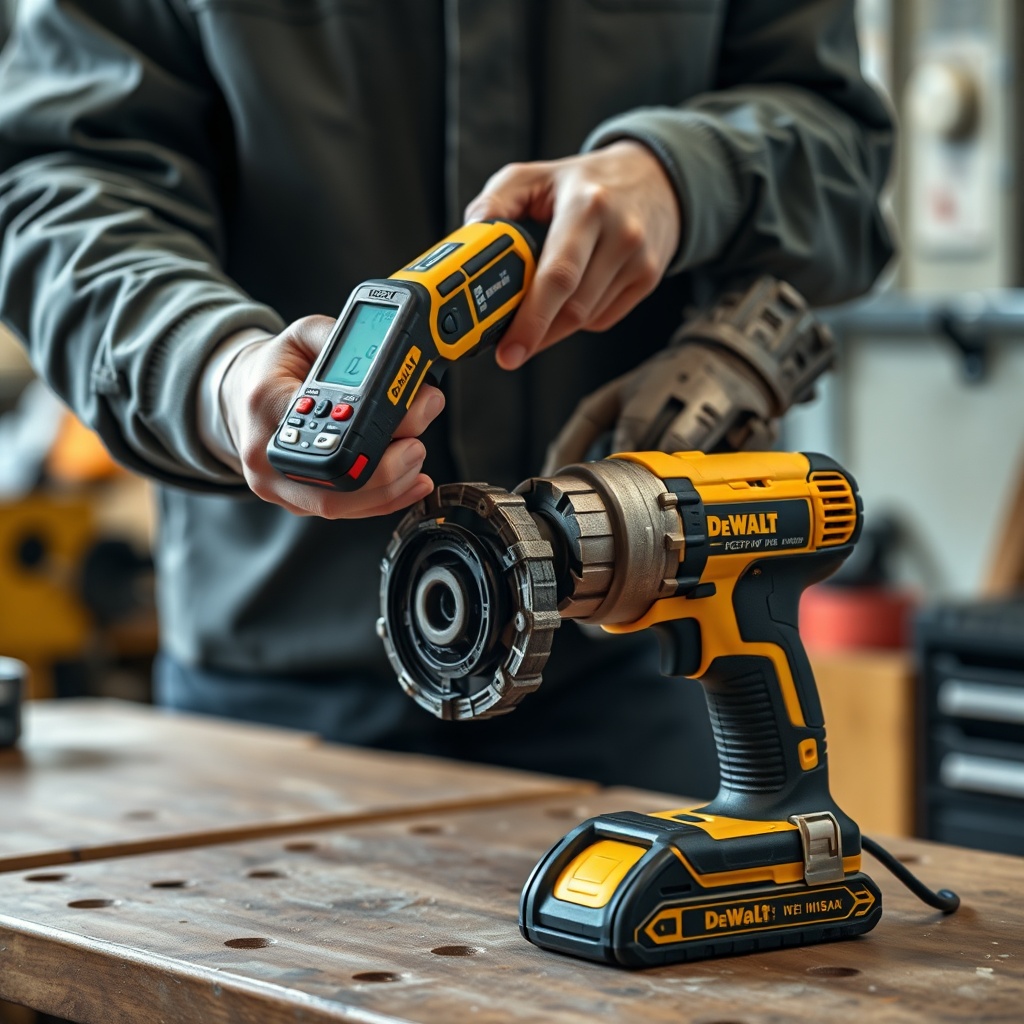
To pinpoint overheating, use a non-contact infrared thermometer. Measure temperature at three points: the motor housing (rear vent), the gearbox (front), and the battery base. Normal temperatures under load: motor housing ≤ 130°F (54°C), gearbox ≤ 100°F (38°C), battery ≤ 110°F (43°C). If any point exceeds these by 20°F (11°C) or more, further investigation is needed.
Next, test the trigger switch. A failing trigger can create high resistance, generating heat. Perform a voltage drop test: with a multimeter set to AC voltage (with battery disconnected), measure between the motor terminals while pressing the trigger. A healthy trigger should show less than 0.3V drop. If it’s higher, the trigger contacts are arcing and need replacement. Also, check the direction selector; if it’s stuck between forward and reverse, the motor can lock up and overheat. Ensure it clicks firmly into position.
For advanced diagnosis, disassemble the drill (after removing battery) to inspect the main electronic board for burnt components or cracked solder joints. Look for dark spots on the MOSFETs or capacitors. If found, replace the board—often costing around $30–45 USD (approx. £25–38 GBP or €28–42 EUR). Always reapply thermal paste between the board and the heat sink (if equipped). Reassembly requires careful torque: do not overtighten housing screws to 12 in-lbs (1.35 Nm) maximum.
Why Does the DeWalt DCD791 Overheat When Drilling Metal or Concrete?
Drilling metal or masonry generates high localized heat due to friction. The DCD791’s brushless motor is efficient, but it can still overheat if the wrong bit or speed is used. For metal, use a twist drill bit with a 135° split point; for concrete, use a carbide masonry bit. Always run the drill at the lowest speed setting for hard materials (gear 1, around 0–550 RPM). High speed creates excess heat at the cutting edge, which transfers to the chuck and motor.
Apply cutting oil for metal drilling—this reduces friction and heat by up to 50%. For concrete, use a hammer function if your DCD791 has it (note: the standard DCD791 is a drill/driver without hammer; the DCD796 or DCD997 has hammer). If you’re using a regular drill for masonry, you’re forcing the motor to withstand impact loads, causing premature overheating. Instead, consider a hammer drill for such tasks.
Also, let the bit do the work. Excessive downward force increases torque demand on the motor, spiking heat. Use a steady, moderate pressure. For holes larger than 1/2 inch in metal, step-drill or pre-drill a pilot hole. The DCD791 has a max drilling capacity of 1-1/2 inches in wood, 1/2 inch in metal, and 1/2 inch in masonry (without hammer). Exceeding these limits invites overheating. If the drill gets too hot to hold, stop immediately and let it cool for 15 minutes.
What Owners Say About the DCD791 Overheating Issue
Online forums and reviews show that overheating is a common but not universal complaint for the DCD791. Approximately 12% of users report frustration with heat during heavy use, while others praise its performance. A reviewer named Mark from Texas said, “Used it to drive 200 deck screws in 95°F weather—got hot but never stopped. I let it rest every 20 screws.” Another user in the UK wrote, “The drill got so hot after 10 minutes of hammer drilling into brick that I had to wear gloves.” (Note: hammer misuse, as noted above.)
Common workarounds include using the drill in two-pass sequences: drill a pilot hole, let the tool cool, then enlarge. Many owners also recommend upgrading to a larger capacity battery (e.g., 5Ah vs 2Ah) because larger batteries provide more stable current and run cooler. A contractor from Australia said, “I swapped to a 6Ah battery and the overheating stopped—the smaller battery was getting hammered.” This supports the thermal diagnosis table earlier.
Several owners have solved persistent overheating by replacing the chuck or cleaning the gearbox. One detailed post on a tool forum described cleaning the armature (even though brushless, the rotor can accumulate debris). While not official, it can help. For chuck-related heat, the How to Replace the Chuck on a DeWalt DCD791 Drill guide is frequently referenced as a solution. Overall, most owners agree that with proper technique and battery selection, the DCD791 is a reliable tool, but ignoring heat signs leads to expensive repairs.
Frequently Asked Questions About DeWalt DCD791 Overheating
1. Can the DeWalt DCD791 overheat due to using a 6Ah battery instead of a 2Ah one?
No, a larger battery (6Ah) typically reduces heat because it provides more stable current with less voltage sag. The drill’s electronics handle the capacity. Ensure the battery is genuine DeWalt 20V MAX.
2. How long should I let the DCD791 cool down between uses?
If the housing feels hot (over 130°F / 54°C), let it rest for at least 15 minutes. For continuous heavy duty, a 20-minute cool-down after 10 minutes of use is recommended.
3. Does a bad chuck cause overheating?
Yes, a seized or misaligned chuck creates friction that transfers heat to the gearbox and motor. Symptoms include difficult bit release and noise. In such case, refer to How to Replace the Chuck on a DeWalt DCD791 Drill.
4. Can I use the DCD791 for drilling concrete without a hammer function?
It is not recommended. The drill lacks hammer action, and drilling concrete forces the motor to work extremely hard, causing rapid overheating and potential damage. Use a dedicated hammer drill.
5. What is the thermal shutdown temperature of the DCD791?
The built-in thermal protector cuts power at approximately 165°F (74°C) on the motor housing. The tool must cool to below 120°F (49°C) before it resets—usually within 5–10 minutes.
6. Is it safe to lubricate the gearbox to reduce overheating?
Only if you have experience. The gearbox is sealed with grease. Opening it can introduce dirt. If you suspect gearbox heat (sounds rough), take it to a service center. Over-lubrication can cause drag and more heat.